
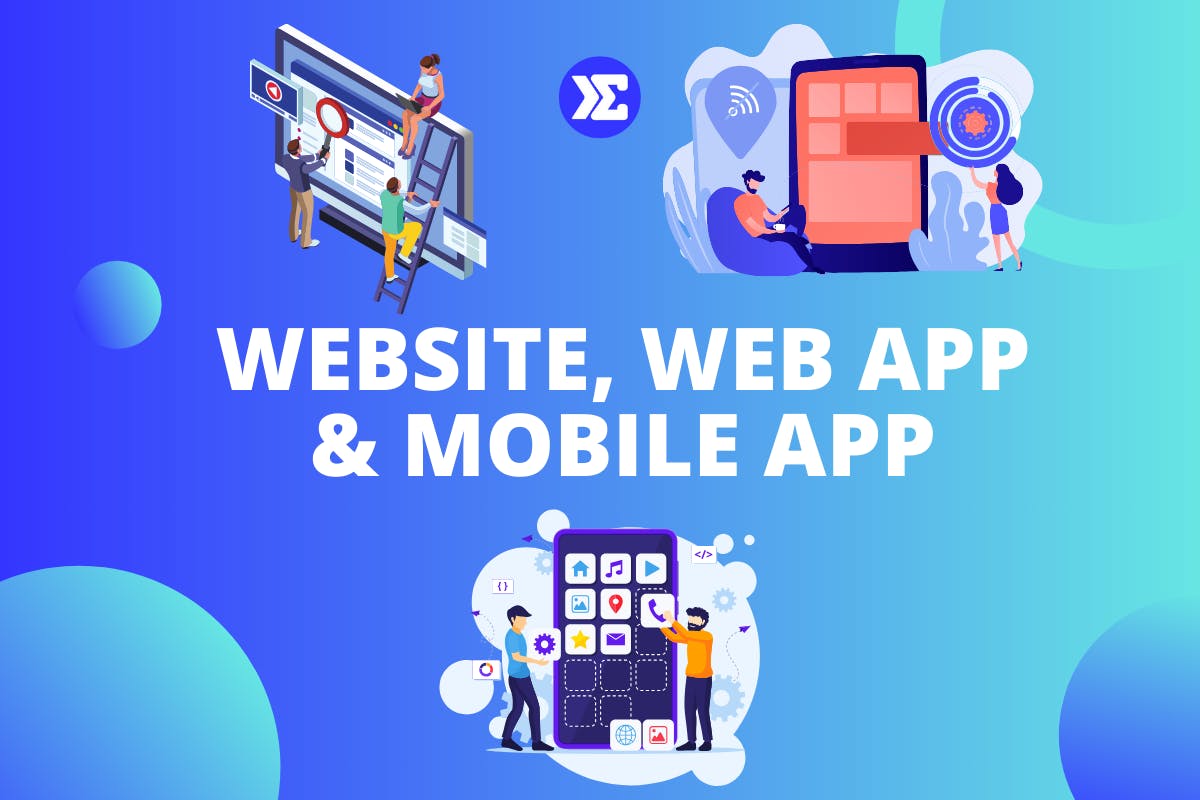
A website is primarily designed to display information, a web app is designed for user interaction through a browser, and a mobile app is software built specifically for smartphones and tablets.
While these terms are often used interchangeably, they serve different purposes and require different development approaches. Choosing the right option depends on your goals, budget, target audience, and the type of experience you want to create.
In this guide, we'll break down the key differences between websites, web applications, and mobile applications, along with the advantages of each.
Website vs Web App vs Mobile App at a Glance
Feature | Website | Web App |
Primary Purpose | Display information | User interaction |
Requires Login | Usually no | Often yes |
Installation Required | No | No |
Works in Browser | Yes | Yes |
Available Offline | Usually no | Usually no |
App Store Approval | No | No |
Development Cost | Lowest | Medium |
Examples | Company website, blog | Gmail, Notion, Canva |

What is a Website?
A website is a collection of web pages that primarily provide information to visitors. Websites are designed to be viewed through a web browser and typically focus on presenting content rather than enabling complex user interactions.
Common examples include:
- Company websites
- Blogs
- News websites
- Restaurant websites
- Portfolio websites
A website's primary purpose is usually to inform, educate, or showcase information. While modern websites may include interactive elements such as contact forms or search functionality, they are generally content-focused.
Benefits of Websites
- Lower development cost
- Faster to launch
- Easier to maintain
- Search engine friendly
- Ideal for marketing and content
If your goal is to establish an online presence, share information, or generate leads, a website is often the best starting point.
What Is a Web Application?
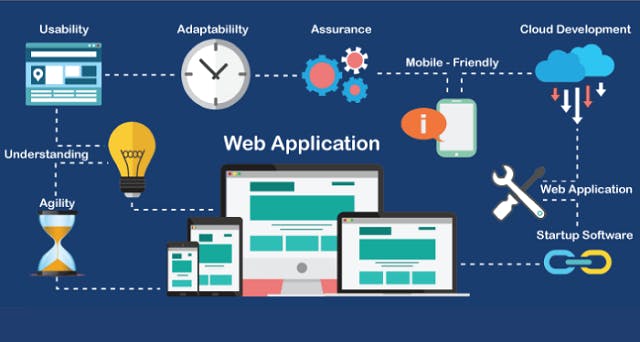
A web application (web app) is software that runs in a web browser and allows users to perform actions, interact with data, and complete tasks online.
Unlike traditional websites, web apps are designed around user interaction rather than simply displaying information.
Examples include:
- Gmail
- Notion
- Canva
- Google Docs
- Trello
Users can create accounts, save data, collaborate with others, and perform complex actions within a web app.
Benefits of Web Apps
- Accessible from any browser
- No installation required
- Easier updates and maintenance
- Cross-platform compatibility
- Faster and more affordable to build than mobile apps
Many startups choose to launch a web app first because it allows them to validate their product idea before investing in a dedicated mobile application.
Website vs Web App
While the line between websites and web apps continues to blur, the key difference is purpose.
A website is primarily designed to provide information, while a web app is designed to help users perform actions and accomplish tasks.
For example:
- A restaurant website lets users view the menu.
- A food delivery web app allows users to place orders, make payments, and track deliveries.
In short:
- Website = Information
- Web App = Interaction
Explore More: Mistakes you should avoid when building a website.
What Is a Mobile Application?
A mobile application (mobile app) is software specifically designed to run on smartphones and tablets.
Unlike websites and web apps, mobile applications must usually be downloaded and installed through platforms such as the Apple App Store or Google Play Store.
Popular examples include:
- TikTok
- Spotify
- Uber
- Telegram
Mobile apps are built to take advantage of device-specific features such as:
- Camera access
- GPS and location services
- Push notifications
- Biometric authentication
- Offline functionality
Benefits of Mobile Apps
- Better performance
- Improved user experience
- Access to device hardware
- Push notifications
- Offline capabilities
- Higher user engagement
The tradeoff is that mobile apps are typically more expensive and time-consuming to build and maintain than websites or web apps.
Web App vs Mobile App
Both web apps and mobile apps allow users to interact with software, but they differ in how users access them.
Web Apps
Pros
- No installation required
- Accessible from any browser
- Easier updates
- Lower development cost
Cons
- Limited access to device features
- Usually require internet access
Mobile Apps
Pros
- Faster performance
- Better user experience
- Access to device hardware
- Push notifications
- Offline functionality
Cons
- Higher development cost
- App store approval required
- Ongoing maintenance for multiple platforms
Which Should You Build First?
For most startups, entrepreneurs, and first-time founders, a web app is often the best place to start.
Web apps are generally faster and less expensive to build than native mobile apps. They allow you to launch quickly, gather feedback, and validate demand before investing in additional platforms.
Many successful companies started as simple websites or web apps before expanding into mobile applications.
As a general rule:
- Build a website if your goal is to share information or generate leads.
- Build a web app if users need to interact with data or perform tasks.
- Build a mobile app when you need mobile-specific features, offline access, or a highly optimized mobile experience.
Read More: Reasons why you should learn to code.
Ready to Build Your Own Digital Products?
Whether you want to build websites, web applications, or AI-powered software products, the journey starts with learning the fundamentals of software development.
At Sigmaschool's AI-Native Software Development Programme, students learn HTML, CSS, JavaScript, React, Next.js, databases, APIs, and AI-assisted development workflows while building real-world projects.
If you're completely new to coding, start with our free 6 Projects in 6 Days challenge and build your first projects using HTML, CSS, and JavaScript.
The best way to understand the difference between websites, web apps, and mobile apps is to start building them yourself.
FAQ
What is the difference between a website and a web app?
A website primarily displays information, while a web app allows users to interact with data, perform actions, and often requires user authentication.
Is Instagram a website, web app, or mobile app?
Instagram is both a web application and a mobile application. Users can access Instagram through a browser or through dedicated mobile apps on iOS and Android devices.
Is a mobile app better than a web app?
Not necessarily. Mobile apps offer better performance and access to device features, while web apps are usually faster and more affordable to develop.
Can a web app become a mobile app later?
Yes. Many companies launch a web app first and later develop mobile apps after validating their product and understanding user needs.
Which is cheaper to build?
Generally:
Website → Lowest cost
Web App → Medium cost
Mobile App → Highest cost