
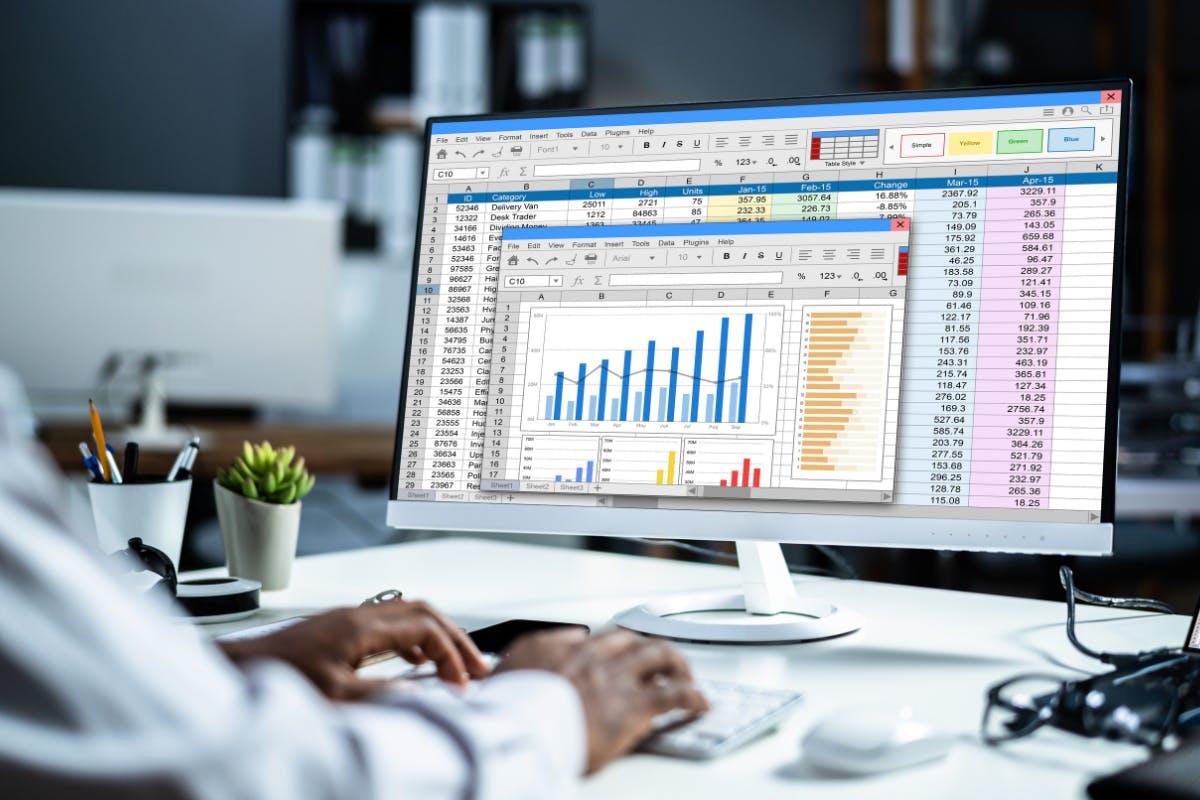
If you’re looking to break into the world of data analytics, one of the first things you’ll need is the right set of tools.
But with so many options out there—some simple, some highly technical—it’s easy to get overwhelmed. So in this guide, we’ll walk you through the best beginner data analytics tools, why they matter, and how you can use them to launch a successful career in data.
Whether you’re switching careers or just starting your journey, this post is for you.
Why Beginner Tools Matter in Your Data Analytics Journey
Starting with the right tools is like learning to drive in an automatic car before jumping into a manual.
Beginner-friendly tools help you:
- Build confidence with small wins
- Understand core concepts like data cleaning, filtering, and visualization
- Avoid frustration that comes from using overly complex tools too early
When evaluating tools, look for these beginner-friendly features:
- Easy-to-use interface
- Strong online community or learning resources
- Relevance in job markets
- Scalable skills you can build on later
Read further: What’s the difference between Data Analtyics and Data Science
1. Microsoft Excel – The Must-Know Spreadsheet Tool
Excel is the OG of data analytics—and for good reason.
Why Excel is Great for Beginners
It’s accessible, widely used, and easy to learn. Most businesses already use it, which means knowing Excel is a real-world skill.
What You’ll Learn with Excel
- Sorting, filtering, and cleaning raw data
- Functions like VLOOKUP, IF, and INDEX MATCH
- Building PivotTables and basic dashboards
- Creating charts (bar, pie, scatter, etc.)
Why It Matters
Excel builds your foundational data mindset. Even experienced analysts still use it for quick analysis and prototyping.
2. SQL – The Language of Databases
SQL (Structured Query Language) lets you pull data directly from databases.
Why SQL is Beginner-Friendly
Unlike coding languages, SQL uses a simple, readable syntax like:
SELECT name, age FROM users WHERE country = 'Malaysia';
It’s easier to learn than Python or R and critical for any data-related job.
What You’ll Learn with SQL
- Writing queries to retrieve data
- Filtering, joining, and aggregating datasets
- Understanding relational databases
Why It Matters
SQL is the industry standard for interacting with data stored in databases. Learning it early opens doors to analyst and business intelligence roles.
3. Tableau – Turn Data Into Visual Insights
Tableau helps you create interactive dashboards and reports without writing code.
Why Tableau Is Great for Beginners
It uses a drag-and-drop interface, so you can focus on insights—not syntax. You’ll learn how to turn rows of data into charts, graphs, and dashboards.
What You’ll Learn with Tableau
- Connecting to different data sources
- Building visual dashboards
- Spotting patterns and trends
Why It Matters
Tableau is widely used in business intelligence roles. Being able to communicate insights visually is a key differentiator.
4. Power BI – Business Intelligence Made Simple
Power BI is Microsoft’s answer to Tableau—and it’s just as powerful.
Why Power BI Is Beginner-Friendly
If you already use Excel, Power BI will feel familiar. It also uses a drag-and-drop interface and connects with Excel, SQL, and many other sources.
What You’ll Learn with Power BI
- Creating interactive reports
- Using Power Query to clean and transform data
- Building dashboards for stakeholders
Why It Matters
Power BI is used by companies worldwide. It’s great for analysts in business settings who need to present findings clearly and professionally.
5. Python – For Deeper Analysis and Automation
While Excel and BI tools are great for exploring and visualizing, Python gives you serious control over your data.
Why Python Is Still Beginner-Friendly
Python is known for its clean, readable syntax. It’s a great first programming language and perfect for learning how to automate tasks, manipulate data, and build models.
What You’ll Learn with Python
- Data manipulation with Pandas
- Visualizing data with Matplotlib and Seaborn
- Working with large datasets
- Automating repetitive tasks
Why It Matters
Python is a must-learn if you’re planning to work in data science or want to progress to more technical roles. It’s also used heavily in machine learning and AI.
Bonus Tools Worth Exploring
These tools can also help you grow as a data analyst:
- Google Sheets – Great if you want Excel but in the cloud
- Looker Studio – Build free dashboards connected to Google data sources
- Jupyter Notebooks – Use Python interactively for data projects
Choosing the Right Tool Based on Your Goals
Not sure where to start? Here’s a quick guide:
Goal | Start With | |
Data visualization | Tableau or Power BI | |
Working with databases | SQL | |
General data wrangling | Excel or Python | |
Business reporting | Excel and Power BI | |
Advanced analytics | Python + SQL |
The truth is, you don’t need to learn everything at once. Start with 1–2 tools, build confidence, then expand as needed.
Ready to Learn Data Analytics the Smart Way?
If you want to fast-track your learning with guidance, real projects, and industry-ready skills, check out Sigma School’s Online Data Analytics Course.
- 100% online, learn at your own pace
- Real-world projects with practical skills
- Self-paced but structured with clear milestones
- Money-back guarantee if you don't land a job after graduation
- Get hired by our hiring partners from different countries
Start your journey with beginner-friendly tools, and grow into a confident, job-ready data analyst - all from the comfort of your home.
Join Sigma School’s Data Analytics Bootcamp Today and turn your curiosity into a career.